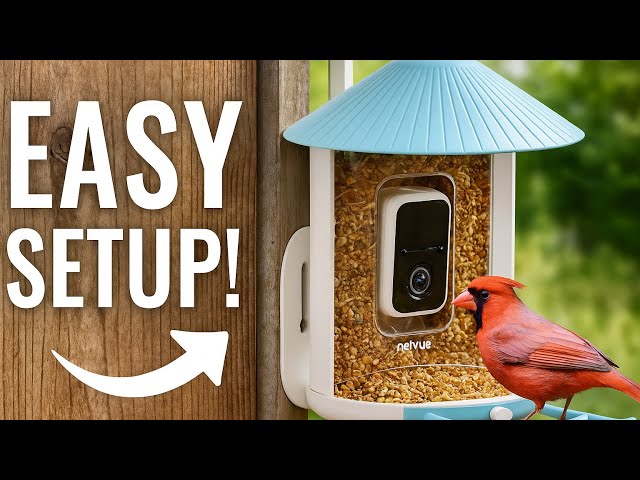
Are you ready to bring nature closer to your home? Setting up your Bird Buddy is easier than you think, and once it’s done, you’ll enjoy watching beautiful birds visit right outside your window.
Imagine capturing stunning bird photos and learning about their habits without leaving your chair. This guide will walk you through every step to get your Bird Buddy up and running quickly. Keep reading, and you’ll soon unlock a new way to connect with nature every day.
Credit: support.mybirdbuddy.com
Choosing The Right Location
Choose a spot where birds come often. A garden or near trees works well. Birds feel safe where they can hide and find food.
Pick a place sheltered from strong wind and rain. A covered porch or under big leaves is good. This keeps the Bird Buddy safe and dry.
Ensure the location has good Wi-Fi or mobile signal. This helps Bird Buddy send photos and videos without delay.
- Look for places with many bird visits.
- Protect Bird Buddy from harsh weather.
- Confirm strong internet connection nearby.
Unboxing And Initial Setup
Open the box carefully and check all parts. The Bird Buddy package includes:
- Bird Buddy device
- Charging cable
- User manual
- Mounting accessories
Look for any damage or missing pieces before starting.
Charge the device fully before first use. Connect the charging cable to the port at the back. Plug it into a power source. A light will show charging status. Wait until the light turns green or off, meaning it is fully charged.
Download the Bird Buddy app from Google Play or Apple App Store. Open the app and create an account with your email. Follow the app instructions to connect your Bird Buddy device via Wi-Fi. The app will guide you through setup and calibration steps.
Mounting The Bird Buddy
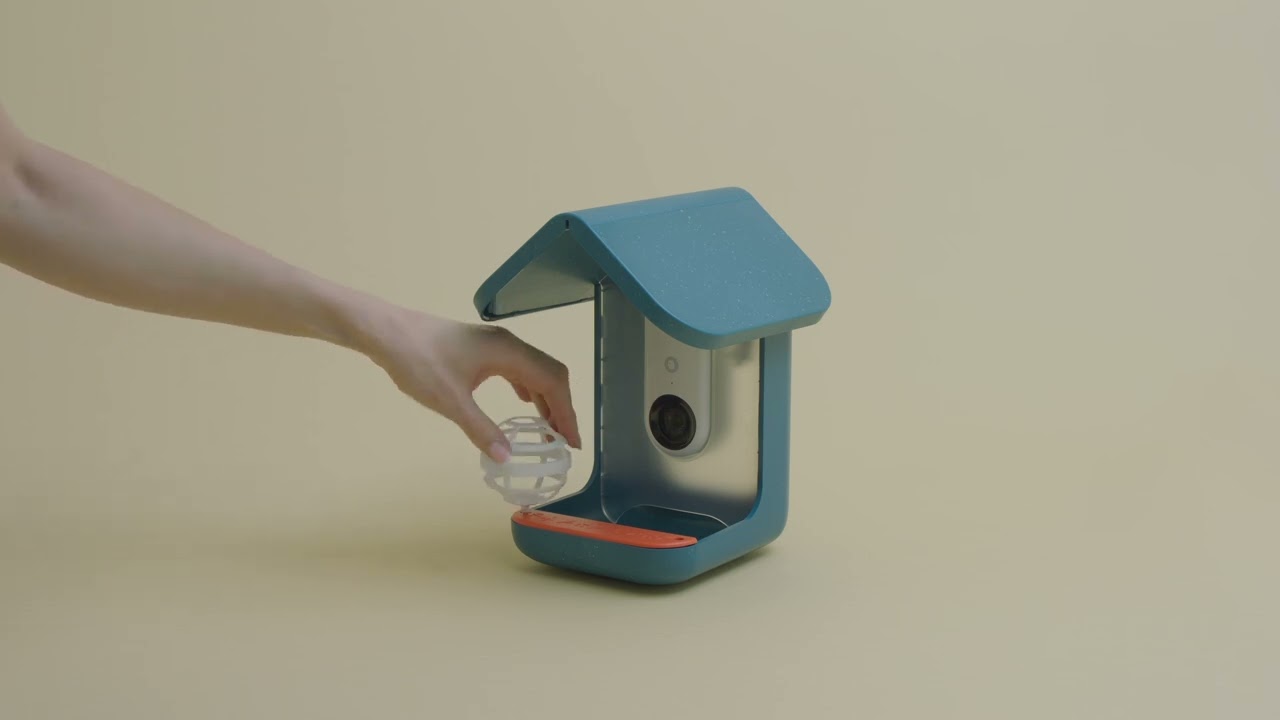
Choose a flat, stable surfaceto mount the Bird Buddy. Wood, metal, or sturdy plastic work well. Avoid rough or uneven areas.
Use the included mounting accessorieslike screws, brackets, or adhesive pads. These help keep the device in place securely.
- Tighten screws firmly but do not overtighten.
- Use brackets for extra support if needed.
- Adhesive pads work best on smooth surfaces.
Ensure the device is securely fastenedto avoid movement. Check that it does not wobble or tilt.
Place Bird Buddy where birds can visit easily, and the camera has a clear view.
Credit: support.mybirdbuddy.com
Connecting To Wi-fi
Ensure the Bird Buddy is turned on. Navigate to the network settingsin your device. Look for available Wi-Fi connections. Select the correct Wi-Fi network. Enter the password for the network. Wait for the device to connect successfully.
- Open your device’s settings menu.
- Tap on Wi-Fi settings.
- Find Bird Buddy in the list.
- Select the Bird Buddy network.
- Follow prompts to connect.
Check if the Wi-Fi is working. Restart the Bird Buddy. Ensure you are entering the right password. Move closer to the router. Reset network settings if needed. If problems persist, contact support.
Configuring Settings And Notifications
Adjust camera settings to get the best bird photos. Change brightness and contrast for clear images. Set the camera angle to cover your favorite bird spots. Choose video length for capturing bird activity. Save settings once you find the right look.
Set alerts to know when birds visit. Turn on motion detection for instant notifications. Choose sound alerts for bird calls or movements. Adjust alert frequency to avoid too many messages. Alerts help you enjoy bird watching without checking often.
Customize bird preferences by selecting species you want to see. Set favorite birds to get special alerts. Filter out unwanted bird types to reduce notifications. Update preferences as seasons change for more accurate alerts. This makes your Bird Buddy experience more personal and fun.
Credit: support.mybirdbuddy.com
Frequently Asked Questions
How Do I Connect Bird Buddy To Wi-fi?
Open the Bird Buddy app, follow the setup guide, and choose your Wi-Fi network to connect.
What Is The Best Location To Place Bird Buddy?
Place Bird Buddy near bird feeders, away from direct sunlight and strong winds for best results.
How Often Should I Charge Bird Buddy’s Battery?
Charge the battery when low, usually every few weeks depending on usage and camera activity.
Conclusion
Setting up Bird Buddy is simple and fun. Follow each step with care. Soon, you will enjoy watching birds up close. Remember to place the device where birds visit often. Keep the app updated for the best experience. Enjoy nature’s beauty right from your home.
Bird Buddy brings the outdoors inside. Start your birdwatching journey today!